

Overview
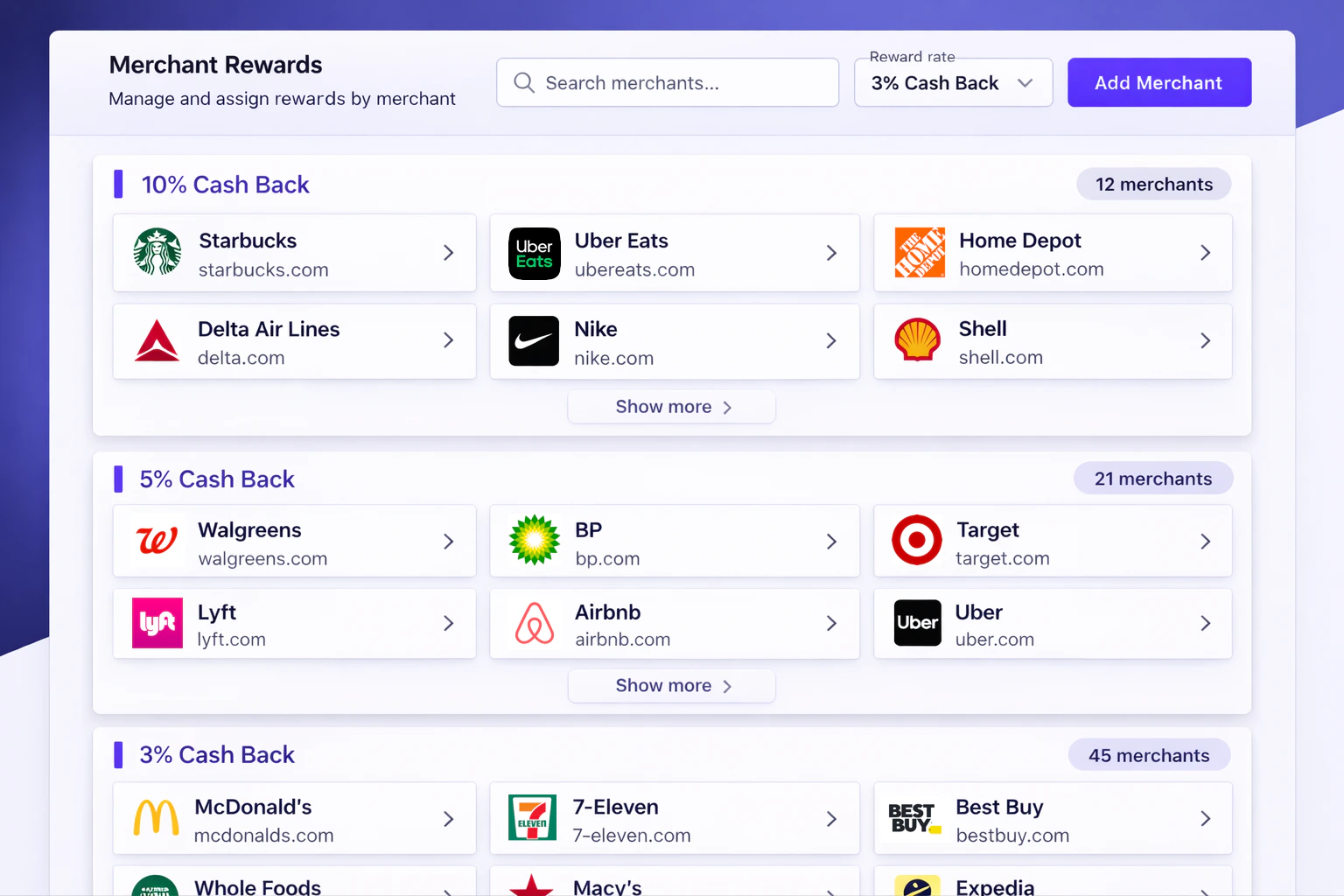
Managing a traditional merchant-based rewards program is hard. Attributing transactions to merchants using MIDs and pattern matching is fragile, expensive to maintain, and slow to update. Spade’s action triggers enable accurate rewards attribution by using ground truth enrichment—not guesswork.- Powered by Spade’s merchant database covering >99.9% of merchants in the US and Canada
- Supports all forms of rewards — cash back, points, miles, and more
- No more MIDs — match merchants by true identity, not fragile merchant IDs
- No more regex — stop pattern-matching raw transaction strings
- Responsive — set up rewards in minutes, not months
How it works
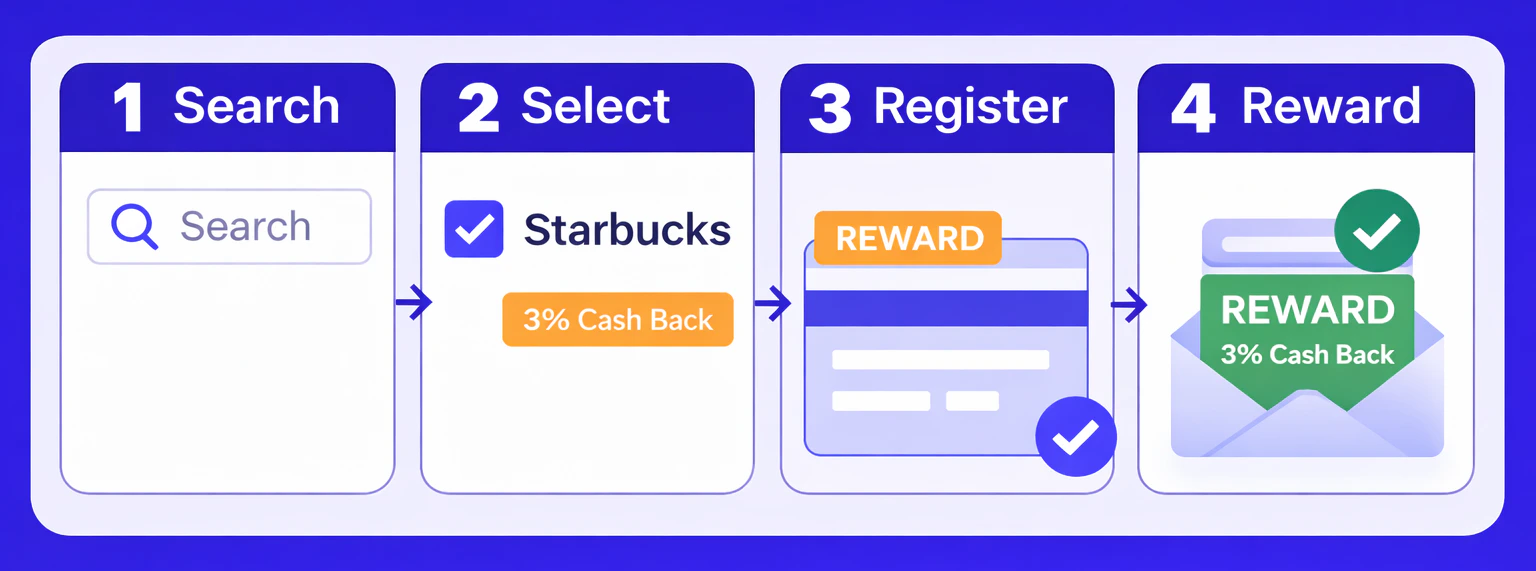
- Search — Query Spade’s merchant database for autocomplete results
- Select — Pick one or more merchants and assign a reward value
- Register — Send selected merchants to Spade as
REWARDaction triggers - Reward — Spade returns reward information with each enrichment
Step 1: Search Spade’s merchant database
UseGET /corporations to power a merchant autocomplete widget. The endpoint returns the merchant name, logo, website, and categoryHierarchy for each match.

Step 2: Select merchants
Select one or more merchants from the search results and assign a reward value (e.g., 3% cash back). Thename and website from Step 1 are all you need for the next step.
Step 3: Register merchants with Spade
Send the selected merchants to Spade using the action triggers endpoint. Set each merchant’s action type toREWARD along with details about the reward. You decide what you need.
You can also register triggers at the (card) program, user, or card level for more targeted rewards. For full integration details — including registration scopes, status polling, and batch processing — see the Merchant action triggers guide.
Step 4: Receive reward information in enrichments
When a transaction is enriched, Spade checks it against your registered triggers. If the merchant matches, the enrichment response includes anactions array with your reward data.
Matched merchant — reward returned
Transaction at a registered merchant (e.g., Starbucks):
Unmatched merchant — no action
Transaction at a non-registered merchant (e.g., Amazon):
Your system reads the reward data and applies the appropriate reward — Spade
handles the merchant matching, you handle the reward logic.
Use cases
- Card-linked offers — Power merchant-specific cashback and points multipliers
- Promotional campaigns — Run time-limited merchant reward promotions and swap merchants in minutes